PixInsight process stages using current scripts and tools (Jan 2026)
Some new scripts have become available recently which supersede older and more laborious methods of narrowband processing. This list outlines the various stages.
- Blink through all frames.
- Stack all frames in
Weighted Batch Pre-Processing (WBPP) - If necessary use one of the gradient correction tools such as
Graxpertor the native PixInsightGradient Correctiontool on each of the component images (S,H and O). Blur Xterminatorat default settings (alter if necessary based on characteristics of the data.)Multi Scale Adaptive StretchStretch each component image with this new tool. If the tool isn’t visible after updating PI 1.9.3 go toProcess -> Modules -> Install Moduleswhere it should be listed. Click to install the tool which should then appear in the main process menu.Channel CombinationS->RH->GO->B
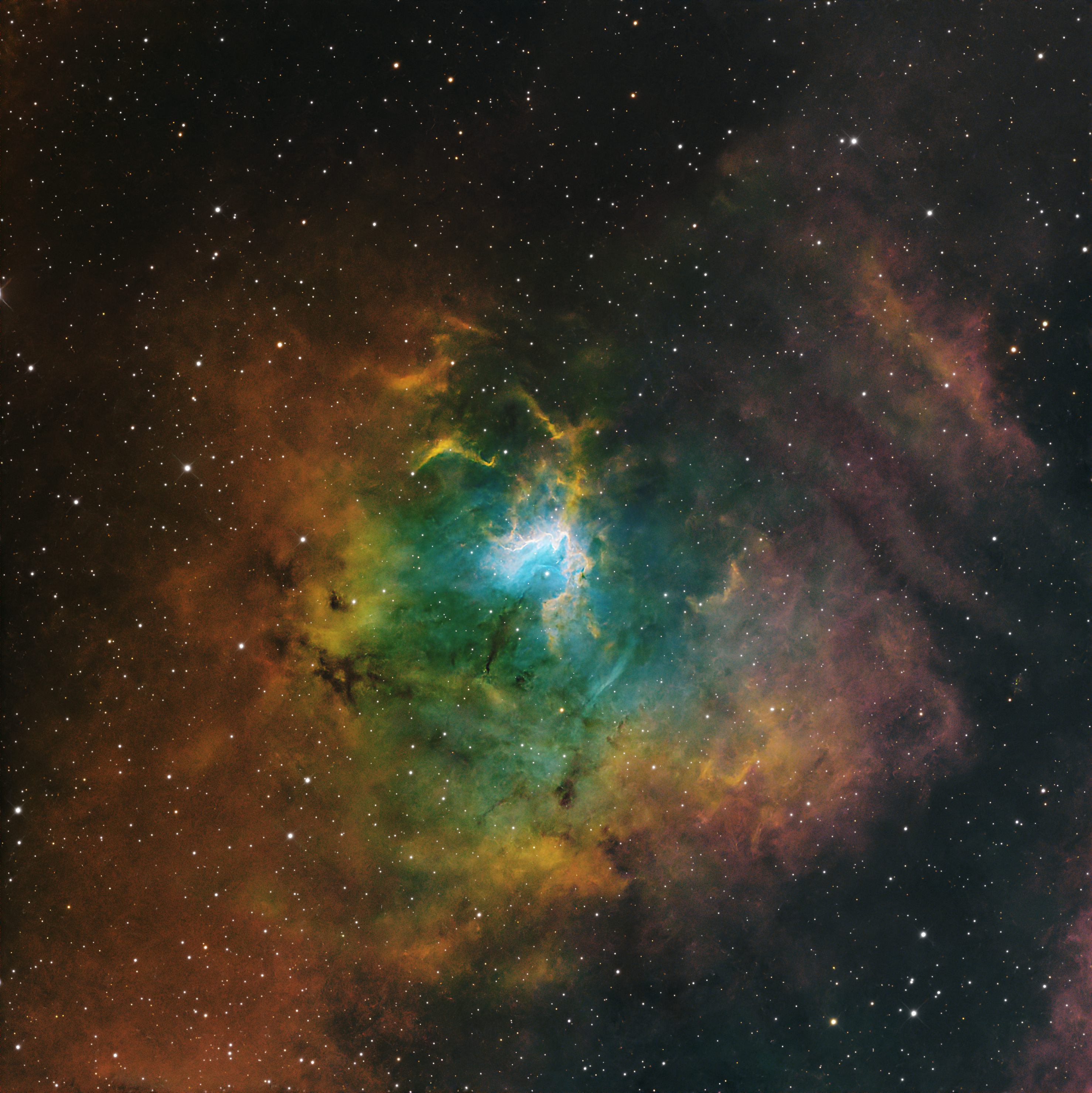
Curves- A slight saturation boost at this point can sometimes give better result.Noise XterminatorStar Xterminatorto remove stars into separate image.Narrowband normalisation- SHO or HOO give the best results.- Use
Curveswith approriate colour masks to separate and intensify colours in nebulosity. Blur Xterminatoron starless image with no star sharpening.EnhanceNebula(optional).DarkStructureEnhance(optional).Curvesto adjust black point.- In stars image remove any magenta with
Scripts -> Utilities -> CorrectMagentaStars. - If stars image shows any colour artefacting, try reducing saturation with
Curves. The best solution is to shoot RGB stars when capturing data and use this instead of the narrowband stars which will be without true colours. - Replace stars with favoured method (see below).
- Final tweak to
Curvesas appropriate.
Star replacement methods
Cuiv’s method
Work’s well for most occasions.
With the Starless image and the stars image named as below run this command in Pixelmath:
~((~Starless)*(~stars))
Bill Blanshan script
Use if you want to reduce stars further than normal.
BillsStarReductionMethods_V3.xpsm downloadable from Lukomatico here
Instructions on using Bill Blanshan script